Cavaquinho tuner afinador de cavaco
Play an open string: the tuner shows the note it hears, the cavaquinho string it is nearest to, and whether to tighten or loosen it.
Standard tuning: D G B D, from the lowest string to the highest.
The strings
Tap a string to hear its note — no microphone needed. Tap it again to stop.
Tune with the microphone
—
The sound stays on your device: it is analysed in this page, and never sent, stored or recorded.
How to tune
- Tap Use the microphone and allow it. Play one open string at a time and let it ring.
- The tuner shows the note it hears and the string it is nearest to. Left of the centre is flat: tighten the peg a little. Right of it is sharp: loosen it. Within 5 cents of the centre the needle turns green — that string is in tune.
- Start with the 4th string (D) and go string by string. Then check them all again: tightening one string pulls on the neck and moves the others a little.
- No microphone, or would rather tune by ear? Each string's button plays its note: listen, then turn the peg until your string sounds the same.
Tuning one string from another
With one string in tune, the others follow: each pair below sounds the same note.
- Fret 5 of the 4th string (D) = the 3rd string (G) open
- Fret 4 of the 3rd string (G) = the 2nd string (B) open
- Fret 3 of the 2nd string (B) = the 1st string (D) open
Share this tuner
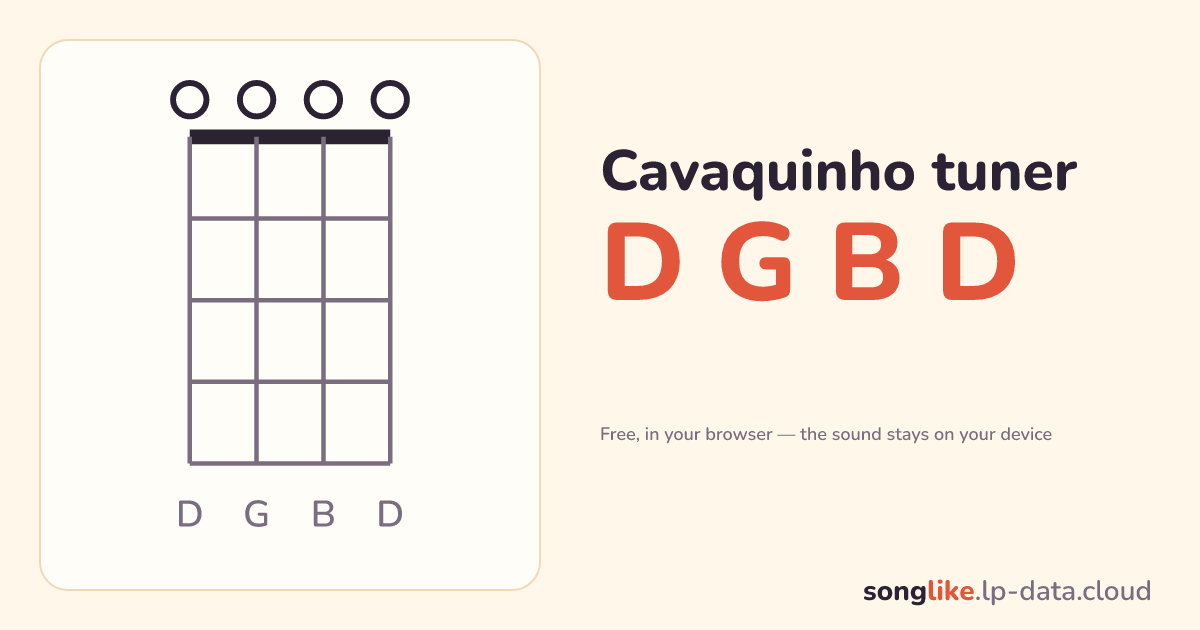
Free to use on your site, blog or class handout, with a link to this page. Copy this code:
<a href="https://songlike.lp-data.cloud/tuner/cavaquinho"><img src="https://songlike.lp-data.cloud/img/tuner/cavaquinho.png" alt="Cavaquinho tuner: the open strings and their notes" width="600" height="315"></a>Tuned? Now play
- Cavaquinho chords
- Chords in every key on cavaquinho
- Cavaquinho scales in every key
- Every note on the cavaquinho neck
- What chord is this?
Tired of looking chords up mid-song? Bring the sheet into songlike and the diagram for the chord you are on — and the next one — stays beside the lyrics.
Got the whole sheet? See every chord in it.
Need the song in another key? Transpose the sheet.
Found a shape and don't know its name? Tap it in.
Chord diagram quiz — see a shape, name the chord — ten questions on your instrument, no account.